The purpose of this PowerShell script was to automate the cleaning of logs files by zipping them and shipping them to another folder or drive, but to also give the option to delete the source files after being processed.
The script has the option to group the files by the day they were written or to archive them by individual file, which can be useful if the source of the logs is particularly spammy.
Example#
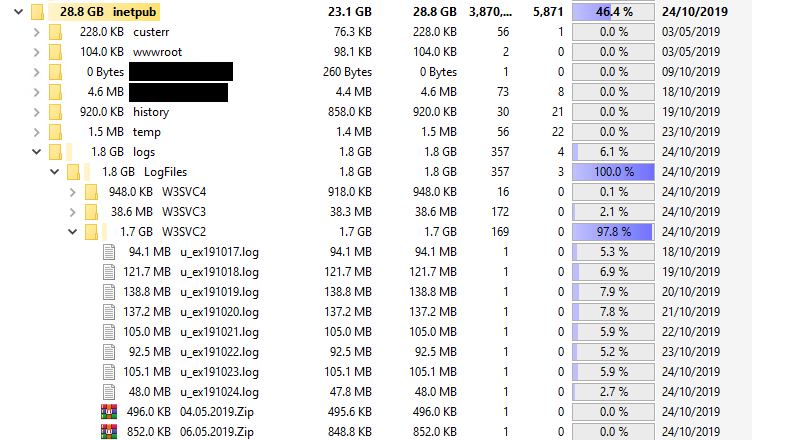
I noticed my webserver had been filling up over the last few months, so for the purpose of an example of this scripts usefulness I put this script to use (despite IIS having the functionality to compress folders, but I needed an example)
Before#
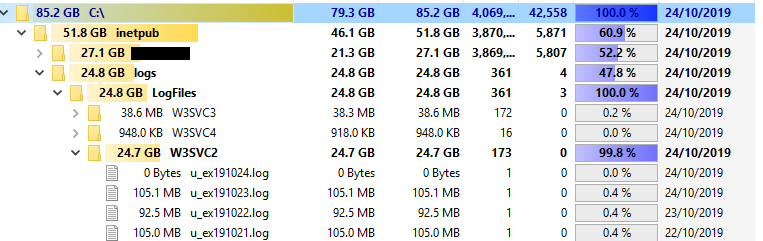
After#